Gig Worker Earnings Tracker
A lightweight, AI-assisted Flask web app for delivery analytics — built because spreadsheets were slowing me down.
Overview
When DoorDash became my side-gig, I tracked everything in Google Sheets.
But the formulas, sheets, and manual updates became chaotic… so one evening, out of boredom (and curiosity), I challenged myself:
“Can I replace the entire spreadsheet workflow with a clean local web app?”
Three nights later, I shipped DoorDash Earnings Tracker — a fully functioning Flask + SQLite analytics system, designed to log, analyze, visualize, and export earnings and expenses with zero cloud dependency.
Why I Built It
-
I needed faster weekly insights without scrolling through formulas.
-
I wanted beautiful charts that Sheets didn’t give me.
-
I wanted local-only data: no cloud, no account, no risk.
-
I wanted to experiment with a production-style Flask project, including authentication, CSRF, modals, systemd deployment, etc.
-
And mostly…
I was bored and wanted to see how fast I could ship a real app using my AI-assisted coding workflow.
Core Features
1. Dynamic Dashboard
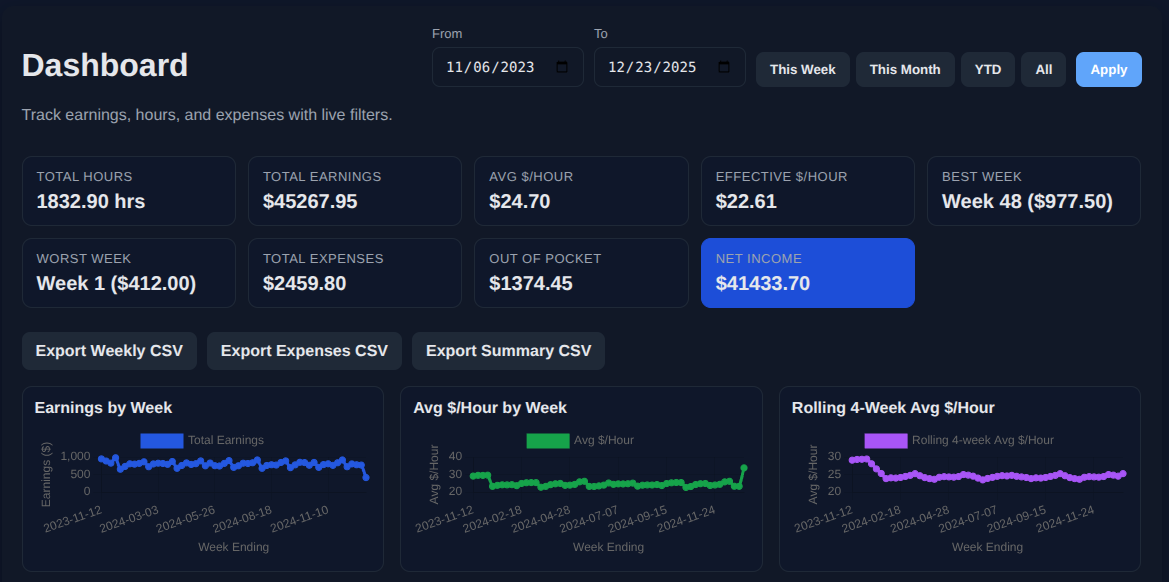
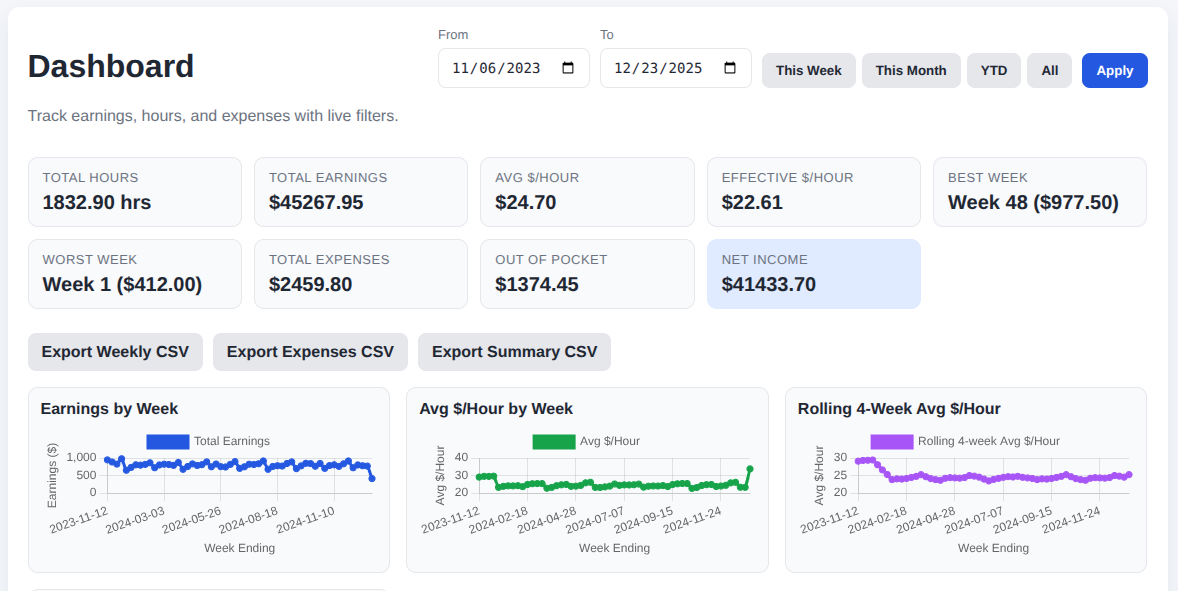
The homepage shows everything instantly with clean KPIs and smart presets.
Date Presets: Week | Month | YTD | All-time
KPIs: Total earnings, Avg/hr, Avg per delivery, Expenses, Net, etc.
Visuals powered by Chart.js:
-
Earnings over time
-
Rolling 4-week trend
-
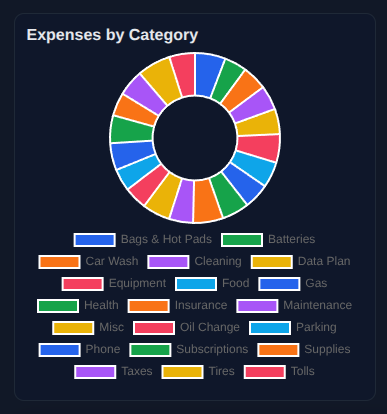
Category breakdown
-
Delivery vs. hours ratio
2. Weekly Earnings Management
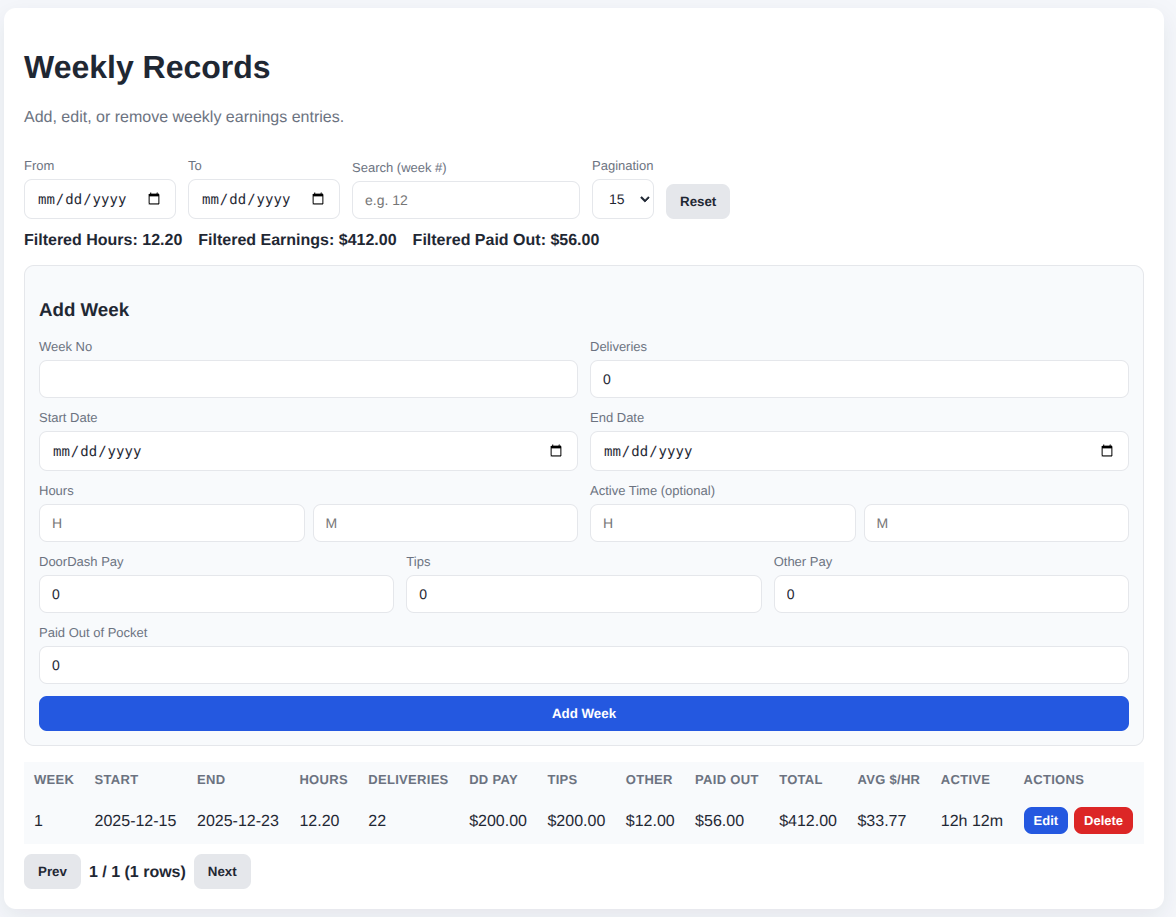
All weekly logs are editable via modal forms with full CRUD:
-
Week number, start/end date
-
Hours worked
-
Deliveries count
-
DoorDash Pay + Tips + Other Pay
-
Out-of-pocket expenses
-
Notes
-
Soft-delete & restore support
-
Filters, sorting, and pagination
3. Expense Tracking System
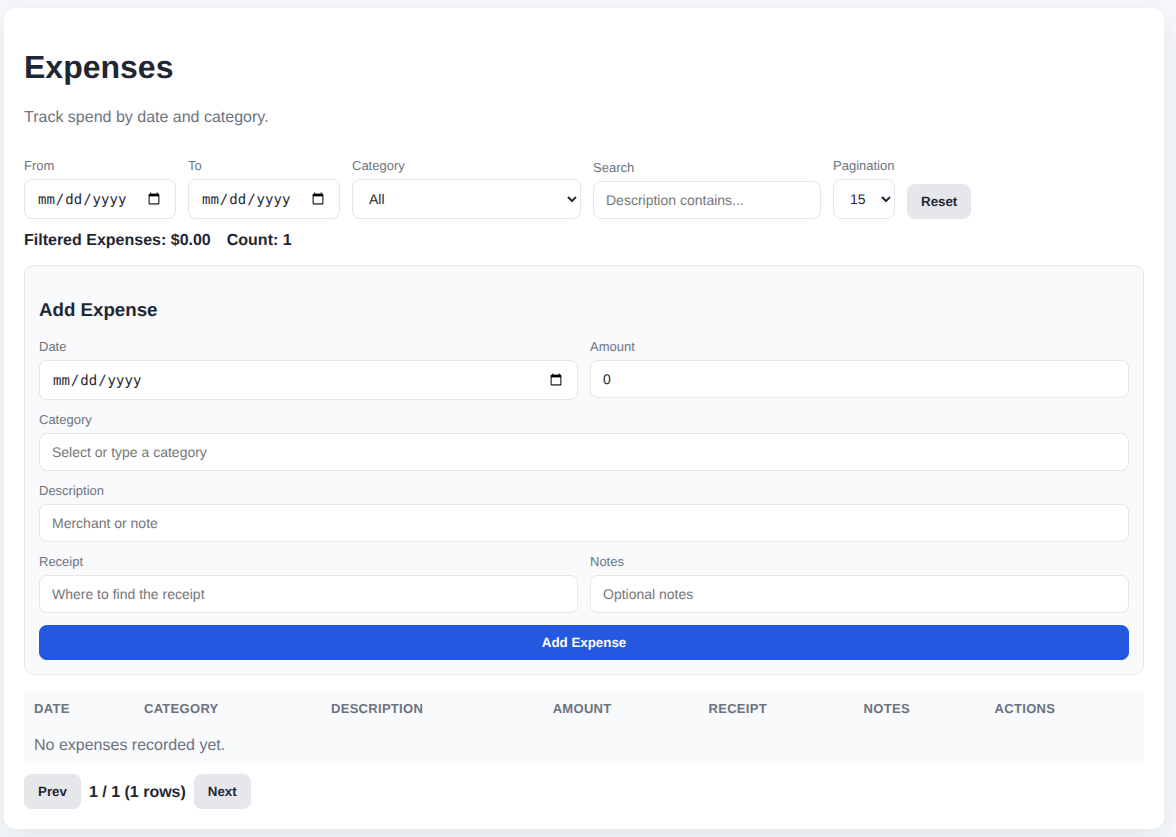
Separate tables for:
-
Categories
-
Individual expenses (with date, amount, notes)
-
Optional receipt field
-
Search, category filter, pagination
4. Analytics, Export & Backup Tools
-
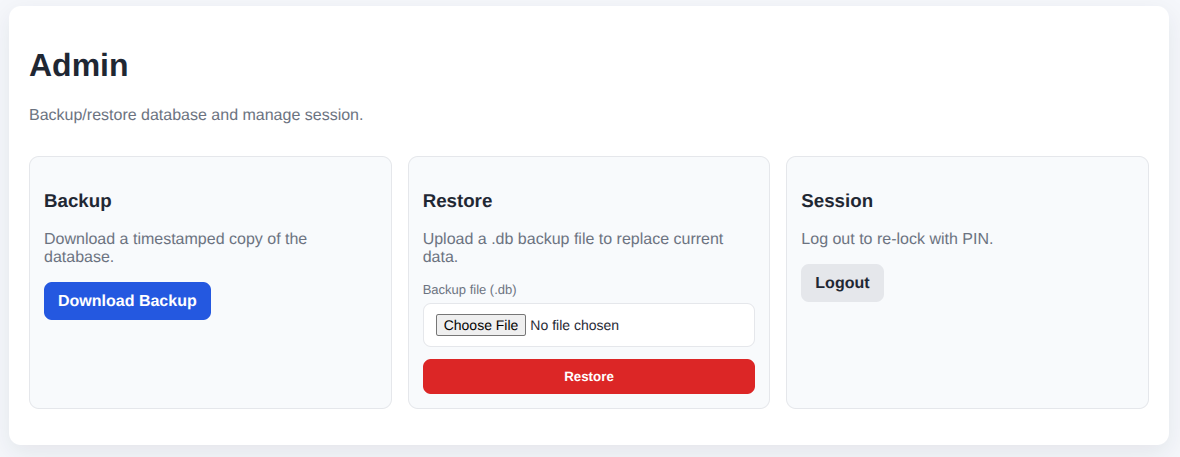
CSV Export: weekly.csv, expenses.csv, summary.csv
-
Automatic backups to
/backups -
Restore from UI (admin-only)
-
Data import via
import_data.pywith:-
duplicate detection
-
dry-run mode
-
truncate mode
-
5. Security & Local Auth
-
PIN lock with hashing
-
Session timeout
-
CSRF tokens
-
Local-only storage (SQLite)
-
No internet dependency
Architecture
Backend: Flask + SQLAlchemy
Database: SQLite
Frontend: HTML, Jinja2, Tailwind-style minimal CSS, Chart.js
Auth: Local PIN hash + session timeout
Packaging: Bash scripts + systemd service template
Config: JSON-driven (currency symbol, date range presets, PIN hash)
File Structure
app.py                # routes, models, auth, csrf, exports
templates/
    base.html
    index.html        # dashboard
    weekly.html
    expenses.html
    admin.html
    login.html
static/
    script.js         # charts, filters, modals, theme toggle
    style.css
import_data.py        # CSV importer
config.json
dist/                 # packaged tarball
Screenshots

What I Learned
This wasn’t just a “replace my spreadsheet” project. It became a small production-grade system:
-
Designing API endpoints for chart JSON
-
Implementing a real CRUD experience with modals
-
Managing soft deletes
-
Packaging with bash automation
-
Building CSV export logic correctly
-
Handling CSRF in Flask
-
Writing custom import scripts
-
Turning quick ideas into polished tools
The “AI Vibe Coding” Workflow
This project was intentionally built fast using an experimental workflow using Codex and My Curiosity:
-
I described the app at a high level.
-
AI generated the first version of each module.
-
I refined the architecture and debugged local behavior.
-
Together, we iterated through UI, chart logic, and packaging.
-
Shipped from idea → working app in a very short cycle.
That speed and creativity became part of the fun.
Conclusion
DoorDash Earnings Tracker is a small but meaningful example of how quickly a well-structured idea can turn into a working product — especially when pairing human creativity with AI-accelerated development.
It replaced spreadsheets that I use completely.
It gave me cleaner insights.
And it proved to me that I can ship real tools, fast, while working on networking, labs, and everything else in my busy routine.